AI Tools
MrScraper: Web Scraping API and Google Search Data for Developers
Discover MrScraper, a web scraping and Google Search API platform with HTML, Markdown, screenshot output, MCP integration, Python and Node SDKs, and a CLI.
CodeHype7 min read
What Is MrScraper?
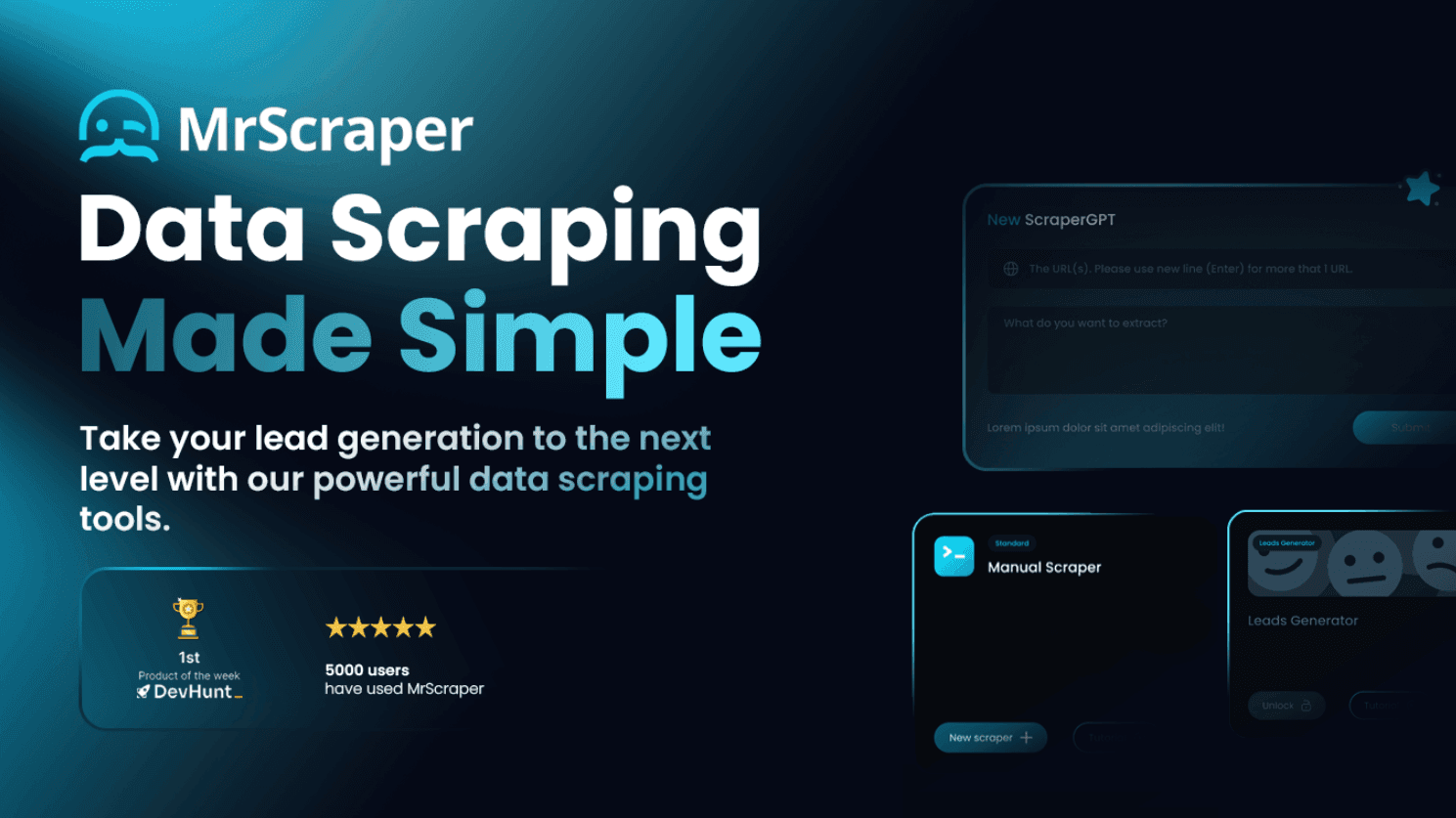
The internet contains a vast amount of useful information, from product details and competitor websites to search results and industry research. Collecting this information manually can be time-consuming, particularly when applications and AI agents need data from multiple websites.
MrScraper provides web scraping and web search APIs that help developers retrieve publicly available web data and integrate it into applications, research workflows, and AI-powered systems.
Rather than building every part of a web data collection system from scratch, developers can use MrScraper to fetch web pages, retrieve Google search results, and access account usage information through APIs. The platform also offers a hosted Model Context Protocol (MCP) server, Python and Node.js SDKs, and a command-line interface (CLI).
Whether you're building an AI agent, automating research, collecting website content, or developing a data-driven application, MrScraper provides tools to connect web data with your existing workflows.
Explore the platform at MrScraper's official website.
Key Features of MrScraper
1. Scraper API for Web Page Retrieval
MrScraper's Scraper API allows developers to retrieve a web page through an API request and receive its content in different formats.
The API supports three output formats:
- HTML: Retrieve the page's HTML content for parsing, processing, or further analysis.
- Markdown: Obtain page content in Markdown format, which can be useful for documentation, research, and AI context.
- Screenshot: Capture a visual representation of a web page for workflows that require image-based output.
The API supports JavaScript rendering for pages that require client-side execution. Developers can also configure options such as geolocation, proxies, cookies, custom headers, and wait-for-selector behavior.
These options provide greater control over how pages are requested and when content is retrieved, making the Scraper API useful for applications that need website content in a consistent, programmatic format.
2. Google Search API for Structured Search Results
Searching the web is an important part of research, content discovery, and many AI agent workflows. MrScraper's Web Search service lets developers retrieve Google search results through an API.
Search results can be returned as parsed JSON or HTML, depending on the requirements of the application.
Available options include:
- Region settings: Configure the geographic context of search results.
- Language settings: Specify the language for search requests.
- Pagination: Retrieve results across multiple pages.
This functionality can support applications that need to discover relevant web pages, collect search results, or incorporate search-based research into automated workflows.
For example, a research application could retrieve Google results for a topic, process the returned information, and pass relevant page URLs to a separate web-fetching workflow.
3. Account and Subscription API
Developers integrating MrScraper into an application may also need to monitor account usage and subscription information.
MrScraper provides an Account endpoint that returns information such as account identity, subscription status, token usage, and rate limits. Remaining tokens can be calculated using the returned allowance and usage values.
This is useful for applications that need to check account status, track consumption, or manage usage limits as part of an automated workflow.
4. Hosted MCP Server for AI Agents
MrScraper offers a hosted Model Context Protocol server that makes its services accessible to compatible AI tools and agent workflows.
MCP provides a structured way for AI applications to interact with external tools. Instead of manually implementing every API integration, developers can connect a compatible client to MrScraper's hosted MCP server.
The server exposes three tools corresponding to its current services:
- scraperAPI: Retrieve web page content as HTML, Markdown, or a screenshot.
- webSearch: Retrieve Google search results as parsed JSON or HTML.
- status: Access account and subscription information, including usage and rate limits.
The hosted MCP server is available at mcp.mrscraper.com/mcp.
Authentication supports OAuth 2.1 or an API token supplied as a Bearer token. Consult the official documentation for setup instructions and current integration requirements.
5. Python and Node.js SDKs
Developers can integrate MrScraper into existing applications using its available software development kits.
Python and Node.js SDKs provide options for teams building backend services, automation scripts, research applications, or AI-powered tools in these ecosystems.
Using an SDK can make integration more convenient than manually managing HTTP requests throughout an application. Developers should refer to the official documentation for installation instructions, supported operations, and implementation examples.
6. Command-Line Interface
MrScraper also provides a CLI for developers who prefer working from the terminal.
A command-line interface can be useful when incorporating web data retrieval into scripts, development workflows, or other command-line-based processes. Together with the APIs and SDKs, it gives developers multiple ways to work with MrScraper according to their preferred environment.
How MrScraper's APIs Work
MrScraper provides separate services for fetching web pages, searching Google, and checking account information. Developers can use them independently or combine them into a larger workflow.
For example, an automated research application could follow this process:
- Search for information: Use the Web Search API to retrieve relevant Google search results.
- Select relevant pages: Identify the URLs that are useful for the research task.
- Fetch page content: Send requests to the Scraper API to retrieve selected pages as HTML, Markdown, or screenshots.
- Process the results: Parse, analyze, summarize, or store the retrieved content within your application.
- Monitor usage: Use the Account API to retrieve subscription and token usage information when required.
This approach separates search discovery from page retrieval, allowing developers to build workflows suited to their particular requirements.
Use Cases for MrScraper
AI Agents and LLM Applications
AI agents often need access to information beyond their existing context. MrScraper's Web Search API, Scraper API, and hosted MCP server can help developers build workflows that retrieve relevant web information for further processing by compatible AI systems.
Market and Competitor Research
Businesses can use web search and page retrieval to collect publicly available information about competitors, industry topics, products, and market developments.
Retrieved content can then be processed by internal applications or research pipelines to support analysis and reporting.
Content Research
Content teams and researchers can use search results to discover relevant sources and retrieve web page content for further review. Markdown output can be especially convenient when content needs to be incorporated into text-based research workflows.
Web Data Pipelines
Developers building data pipelines can integrate the Scraper API into applications that collect and process website content. HTML, Markdown, and screenshot outputs support different downstream requirements.
Automated Research and Developer Tools
The available APIs, SDKs, CLI, and MCP server provide multiple integration options for automating web research and building tools that rely on search results or retrieved page content.
MrScraper API Endpoints and MCP Tools
MrScraper's current services use the following endpoints and MCP tool names.
| Service | API endpoint | MCP tool |
|---|---|---|
| Account | GET https://api.app.mrscraper.com/api/v1/subscription-accounts | status |
| Scraper API | POST https://api.mrscraper.com/ | scraperAPI |
| Web Search | POST https://sync.scraper.mrscraper.com/api/google/serp/v2/sync | webSearch |
The hosted MCP endpoint is https://mcp.mrscraper.com/mcp.
For authentication, request parameters, response formats, and integration examples, consult the official MrScraper documentation.
MrScraper Pricing
MrScraper's pricing and trial terms may change over time. Instead of relying on potentially outdated pricing information, developers should check the official pricing page for current subscription options, usage allowances, and any available trial details.
Visit MrScraper Pricing to compare the available plans before integrating the service into your workflow.
Is MrScraper Worth Trying?
MrScraper provides a practical set of tools for applications that need web search results and web page content. Its three core services cover page retrieval, Google search, and account usage information, while its hosted MCP server, Python and Node.js SDKs, and CLI offer different integration paths.
One useful aspect of the platform is the separation between discovering web pages through search and retrieving their contents through the Scraper API. Developers can combine these capabilities to build research pipelines, web-enabled AI agents, and other applications that depend on publicly available web information.
If you're looking for a web scraping API with multiple output formats and options for integrating web search into developer workflows, MrScraper is worth exploring.
Get started through the official MrScraper website and review the documentation to determine which integration best fits your project.
Frequently Asked Questions
What is MrScraper?
MrScraper is a web scraping and web search API platform that helps developers retrieve web page content, access Google search results, and integrate web data into applications and automated workflows.
What output formats does the MrScraper Scraper API support?
The Scraper API supports HTML, Markdown, and screenshot output. It also offers options such as JavaScript rendering, geolocation, proxies, cookies, custom headers, and wait-for-selector behavior.
Does MrScraper provide a Google Search API?
Yes. Its Web Search service retrieves Google search results as parsed JSON or HTML, with options for region, language, and pagination.
Does MrScraper support MCP?
Yes. MrScraper offers a hosted MCP server at https://mcp.mrscraper.com/mcp, with tools for web page retrieval, Google search, and account status.
Which programming languages does MrScraper support?
MrScraper offers Python and Node.js SDKs, alongside its APIs and CLI. Refer to the official documentation for current installation instructions and supported functionality.
Can MrScraper retrieve JavaScript-rendered pages?
Yes. The Scraper API supports JavaScript rendering and wait-for-selector options to help retrieve content from pages that require client-side execution.
Does MrScraper provide account usage information?
Yes. Its Account API provides account identity, subscription status, token usage, and rate-limit information. Remaining tokens can be calculated from the returned allowance and usage.
Where can I find MrScraper's current pricing?
Visit the official MrScraper pricing page for the latest plans, usage allowances, and trial information.